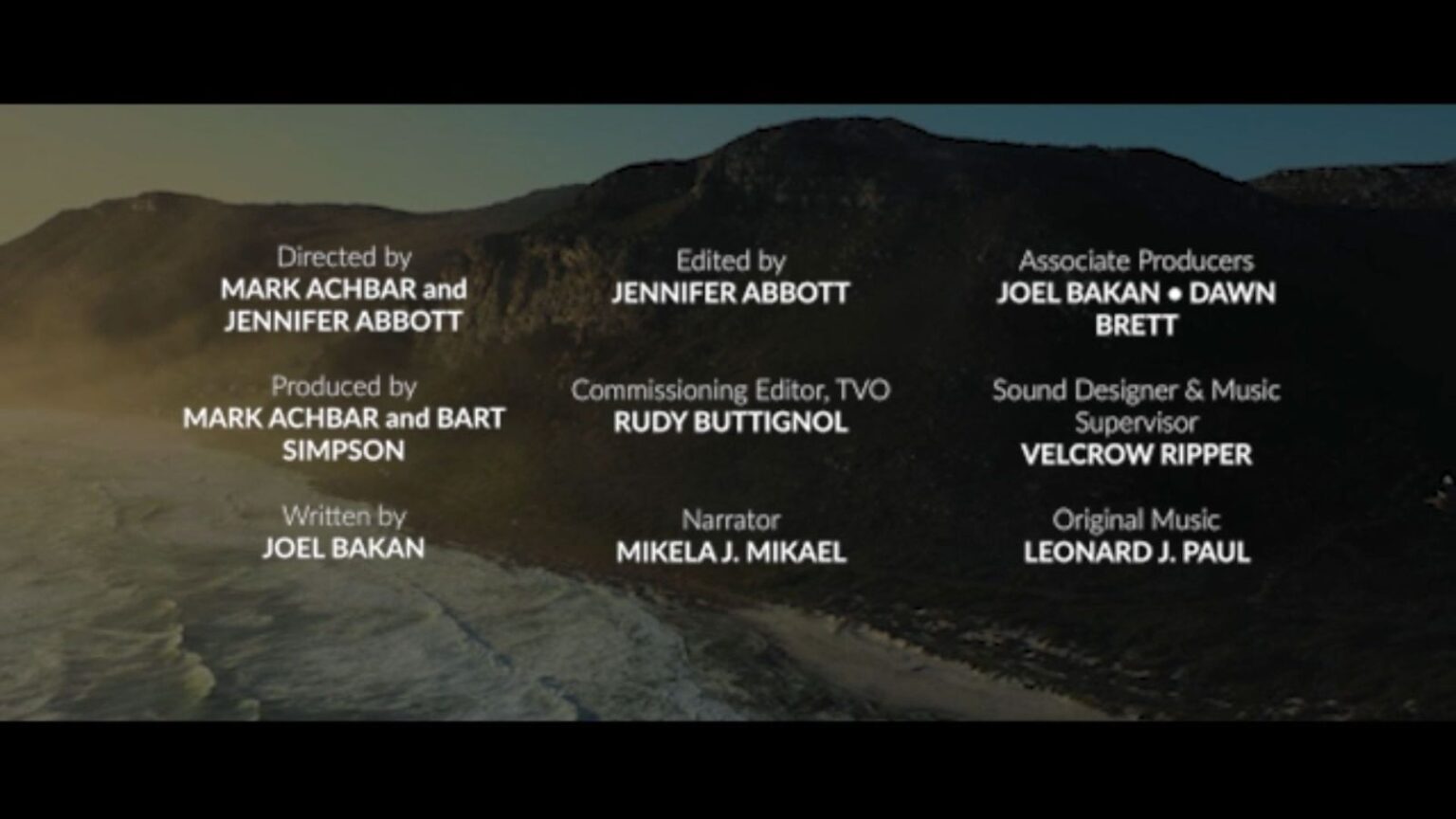
Movie end credits are an essential part of any film, where all of the cast and crew involved in the production is listed with their role. It’s a way to acknowledge and credit everyone who worked hard to bring the film to life. Depending on how big or small your production was, end credits can be anywhere from a couple seconds to over ten minutes long.
While movie credits may seem like a small task in post-production, creating them yourself can be a time-consuming process. That’s why using templates can be such a helpful time saver for editors. Instead of having to create the animation of moving through the long list of names and titles yourself, you can just drop them into a professionally made template.
In this post, we’ll show you 6 of our favorite movie credits templates from the Storyblocks library that you can use to help speed up post-production for your next film project.
1. Massive Film Credits Template
If you’re looking for a basic, no-nonsense movie end credits template, this is the perfect one to choose. A simple black background with white text and a scrolling animation, this template is a great starting place for any production.
Available for both Premiere Pro and After Effects, it’s customizable so you can easily change the color, size, and positioning of the text in the template, plus the scrolling speed. It also includes a few different layout options so you can pick and choose which ones you want to use.
2. Film Credits for Premiere Pro
Another great basic film credits template option, this shows a few names individually before it transitions into the typical scrolling credits animation. This is a great option if you’d like to highlight the director, producer, and any other people on their own, separate from the majority of the cast and crew.
You can easily edit the text in this template to customize it and make it your own, making it perfect for movies, teasers, commercials, and more.
3. Film Credits 4K and Full HD
A little more stylized than the first two template options, this After Effects film credits template has a few different animation treatments to choose from with highlighting individual names. It also includes a subtle background animation of soft white circles spreading from the bottom lower left corner.
This template includes a few different formats to choose from for the credit text, including a single column, double column, and three column text layout.
4. Final credits MOGRT
Now we’re getting into the less basic templates when it comes to movie credits. This has a few different text formatting options you can choose from, including single individuals or multiple people. But the main appeal of this Premiere Pro film credits template (also available for DaVinci Resolve) is that you can easily swap out the video clips in the background to fully customize it for your projects.
Add in behind the scenes content, scenes from your movie, and more to personalize this template and make it your own.
5. Cine Credit V6
This movie credits template features glossy, reflective text. Though the font is not included in the Premiere Pro project files, you can easily swap in a similar-looking one to get the same effect, or opt for something completely different that better fits your project’s genre. This template includes lens flare animations and subtle smoke/bokeh to add visual interest.
6. Digital Screen Credits
This end film credits template for DaVinci Resolve has a dynamic, digital feel with subtle animated movements for each layout scene and a bold font. Perfect for sci-fi or an action flick with hackers, you can easily customize the text to make it fit your movie and list out your crew.
Edit faster with unlimited downloads from Storyblocks
These 6 movie credits templates are just a small example of the thousands of professionally created, customizable template options we have available in the Storyblocks library.
With a Storyblocks subscription, you can get unlimited downloads of over 10 million high-quality, royalty free assets in our library, from 4K and HD footage to music tracks, images, and more. Plus, you’ll get access to our time-saving workflow tools like our AI Toolkit and our Adobe Plugin for Premiere and After Effects.