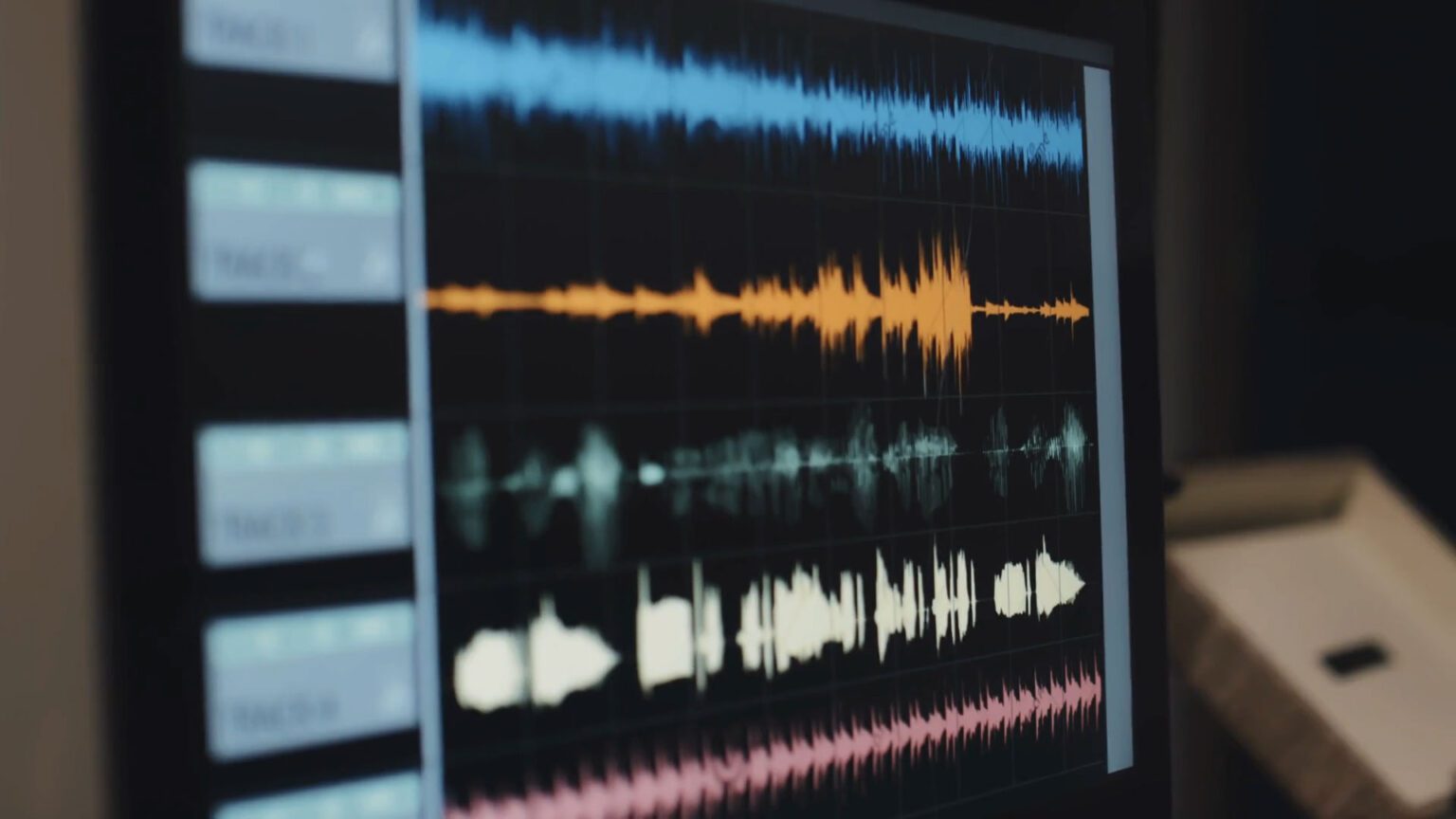
Audio quality can make or break a video project. WAV and MP3 are the top picks when it comes to audio formats. WAV offers crisp, uncompressed sound that shines in professional editing, while MP3 shrinks file sizes by cutting some quality, perfect for quick uploads or limited storage. I once swapped an MP3 for a WAV in a project and saw how the audio popped, making the whole video feel alive. Did you know WAV files keep all audio details, making them ideal for projects where sound matters the most?
Video editors looking to make their work stand out will want to know these differences inside and out. Keep reading to find out which format fits your project like a glove and why choosing the right audio could change everything.
What is WAV?
WAV (Waveform Audio File) is an audio file format that stems from Microsoft and IBM’s early collaboration in the development of Windows. WAV files have famously high-quality sound and the format has been a staple in professional audio production since 1991.
Unlike compressed audio formats, WAV files are lossless and uncompressed. This means they retain all original audio data without sacrificing quality. However, the lack of compression comes with a trade-off—WAV files are significantly larger than compressed formats (like MP3).
For instance, a three-minute song in WAV format can take up ~30 MB of storage space, compared to around 3 MB for the same song in MP3 format. But despite the difference in size, WAV remains the go-to for many audio professionals aiming for the highest quality output.
What is MP3?
MP3, short for MPEG-1 Audio Layer 3, revolutionized digital audio when it hit the scene in the early 1990s. It’s a compressed, lossy audio format that reduces file sizes while maintaining an acceptable audio quality for most listeners.
The primary purpose of MP3 is to make audio files smaller and more manageable, making it easier to distribute and stream audio over the internet. Because of this, it’s the preferable format for streaming platforms, podcasts, and personal music collections.
Encoding methods for WAV and MP3
WAV files use a method called lossless encoding which preserves all audio data during the encoding process. It converts all of the original analog sounds to digital form without the loss of any information.
In contrast, MP3 files undergo lossy compression where it removes some audio data during the encoding process. Algorithms analyze the audio, identifying and excluding bits of information that are less likely for the average listener to be able to perceive.
Because of lossy compression, it might diminish certain aspects of the original recording, which can impact the listening experience—especially for audiophiles or in professional settings where sound quality is paramount.
Advantages and disadvantages of WAV
The advantages of the WAV file format include:
- High sound quality: One of the largest advantages of WAV files is sound quality. Since it preserves all the original audio data, WAV files have rich, detailed, and pristine sound. This makes WAV ideal for scenarios that require the highest fidelity, including professional video production or critical listening environments.
- Suitable for mastering: WAV files are perfect for mastering purposes. Mastering is the final step of audio post-production and requires files to be of the best possible quality. Whether you’re mastering music for a film score or finalizing sound effects for a video game, WAV files provide accuracy and detail.
- Ideal for syncing with high-quality video: When the visual quality of a video is high—say, 4K resolution—the audio quality needs to match it to maintain a balanced viewer experience. WAV files’ high sound quality makes them an excellent choice for syncing with high-quality video, avoiding disparity between what viewers see and hear.
But it isn’t all good news. Here are the disadvantages of the WAV format:
- Large file sizes: The most significant drawback of WAV files is their large file size. As mentioned, WAV files can be up to ten times larger than MP3. This can make file management difficult, especially if you’re working with many audio tracks or long projects.
- Difficult to store and transfer: The large size also makes WAV files more challenging to store, requiring substantial disk space. Transferring these files can be slow, particularly over the internet, and can hinder collaboration with remote team members.
- Not suitable for streaming: Due to their large size, WAV files are usually unsuitable for streaming. Streaming platforms require quick data transmission, and large WAV files can cause buffering issues.
Advantages and disadvantages of MP3
The MP3 format has become ubiquitous in digital audio environments because of its balance of size and quality. Here are the main advantages of using MP3 files:
- Easy to share and stream: Thanks to their compact size, MP3 files are easy to manage, share, and distribute. This makes them ideal for internet-based applications like streaming and downloading.
- Compatibility with most devices: MP3 files are universally compatible with almost all media players, smartphones, and computers. Their widespread acceptance ensures that you can play MP3 files on virtually any platform without needing additional software or converters.
However, lossy compression comes with some drawbacks, including:
- Reduced sound quality: The primary drawback of MP3 files is worse sound quality. This process eliminates audio data that’s less important, but it can still cause a noticeable decrease in audio fidelity. While the difference might not be significant for casual listeners, it can be a deal-breaker for professional editors and audiophiles.
- Not ideal for professional editing: Given the degradation in audio quality, MP3 files aren’t suitable for professional audio editing and mastering. These require the highest possible fidelity to preserve every detail of the sound.
Best use cases for WAV
WAV files are essential when high-quality audio is non-negotiable. Here are some real-world examples where WAV files excel:
High-end video projects
For high-end video projects like feature films and commercials, every detail matters. The audio needs to match the visual quality to create an immersive viewer experience. In these types of projects, even the subtle nuances of sound can significantly influence the narrative and emotional impact.
Projects where sound quality is crucial
In projects where audio quality is crucial—like when scoring a film or recording dialogue—WAV files are the go-to choice. This is because every note and every word needs to be crystal clear to convey the intended emotion and message accurately.
Long-term archiving for future edits and remastering
WAV files are also ideal for long-term archiving and future-proofing your work. Because they are lossless and uncompressed, they retain all original audio data, making them perfect for future edits, remastering, or re-releases.
Best use cases for MP3
While WAV files stand out in high-stakes projects, MP3 files shine where convenience, speed, and file management are more important. Here are some practical examples where MP3 might be preferred:
Fast projects where file size matters more than quality
In scenarios like social media video, the speed of content creation and upload often takes precedence over having perfect audio quality. MP3 files are ideal for these types of projects due to their small size and ease of handling.
Temporary drafts or smaller projects
MP3 files are extremely useful for rough cuts, drafts, or smaller projects where the highest audio quality isn’t necessary. Their compact size makes them easy to share with clients or collaborators for feedback.
Non-professional videos
For non-professional or personal projects, the convenience of MP3 files often outweighs the need for lossless audio quality. Family videos, personal vlogs, or casual hobbyist content generally benefit from the smaller file sizes and compatibility of MP3s.
Online courses and podcasts
When producing content for online courses or podcasts, the emphasis is usually on clear speech and the ability to distribute content easily to a wide audience. MP3 files offer a good balance of quality and convenience, making them suitable for these projects.
Comparing sound quality: WAV vs MP3
When comparing the sound quality of audio formats, it’s important to look at bitrate and sample rate. These metrics help understand why WAV files generally offer superior sound quality compared to MP3 files.
Bitrate is the amount of data processed per second in an audio file, measured in kilobits per second (kbps). Higher bitrates indicate better sound quality as it preserves more data.
On the other hand, sample mate measures how many samples of audio are in each second, expressed in kilohertz (kHz). Higher sample rates capture a broader range of frequencies, leading to more detailed sounding files.
Here’s how WAV and MP3 differ when it comes to bitrate and sample rate:
- Bitrate: WAV files often have a bitrate of 1,411 kbps. MP3 files typically range from 128 kbps to 320 kbps. While 320 kbps is high-quality for MP3s, it still involves some data compression.
- Sample rate: Standard WAV files typically have a sample rate of 44.1 kHz, though higher sample rates like 48 kHz or 96 kHz are also used in professional settings. MP3 files also usually have a sample rate of 44.1 kHz, but the key difference is in that data compression occurs.
To hear the difference between WAV and MP3 files, take a look at the following three samples of the first verse of Tom’s Diner. The first uses uncompressed audio:
Next, we have the same verse but compressed into 128 kbps MP3 format:
Could you hear the difference? The seemingly small change is more obvious when listening to the “ghost” of the MP3, which includes all of the removed sounds:
Which format would video editors use?
The choice between WAV vs MP3 depends on the balance between audio quality and file size, the delivery format, and audience expectations. Here’s a breakdown of common scenarios in video editing and recommendations for which format would be best suited:
- Example 1: High-frequency sounds. In music with high-frequency content, like cymbals in a drum kit or the overtones in a violin, MP3 compression can cause sounds to become less distinct or muffled. In contrast, WAV files maintain the clarity and crispness of these high frequencies.
- Example 2: Spatial ambience and reverb. MP3 compression can affect the spatial qualities of audio, like the reverb in a concert hall or the ambient background noises in a field recording. WAV files capture these subtleties accurately, while MP3 files might introduce artifacts that make the space feel less realistic and more artificial.
- Example 3: Complex audio mixes. In audio tracks featuring multiple layers, like orchestral music or a densely produced pop song, the loss of data in an MP3 can lead to a less defined sound. Instruments might seem to blend together instead of being distinct, reducing the depth of the audio.
- Example 4: Webinars, podcasts, and online videos. Where the focus is on delivering content quickly, MP3 files ensure smooth streaming and sharing. The audio quality is sufficient for audiences to understand speech, while the compact size prevents buffering.
- Example 5: Low-budget productions. With much larger sizes, storing and hosting WAV files online can quickly become expensive. MP3 files are cheaper and easier to handle for projects that have a smaller budget.
Software compatibility
Most professional video editing software can work with both the MP3 and WAV formats. However, some software doesn’t provide support for WAV files—MP3 is typically much more widely compatible.
Premiere Pro, DaVinci Resolve, and Final Cut Pro are all compatible with both formats. Issues can occur when editing either format, but they will mostly be the result of corrupted files or temporary software glitches.
Summary
When you’re debating whether you should use WAV vs MP3 files, consider your project goals, target platforms, and client requirements. WAV files are better for high-end projects, while MP3 files are suitable for fast projects, social media content, and drafts where file size is key. To learn more about compressing video along with your audio, check out our article here.
Discover the perfect soundtrack for your next video project with Storyblocks’ extensive library of high-quality audio content. Sign up today and elevate your storytelling with unlimited access to royalty-free music, sound effects, footage, and more!