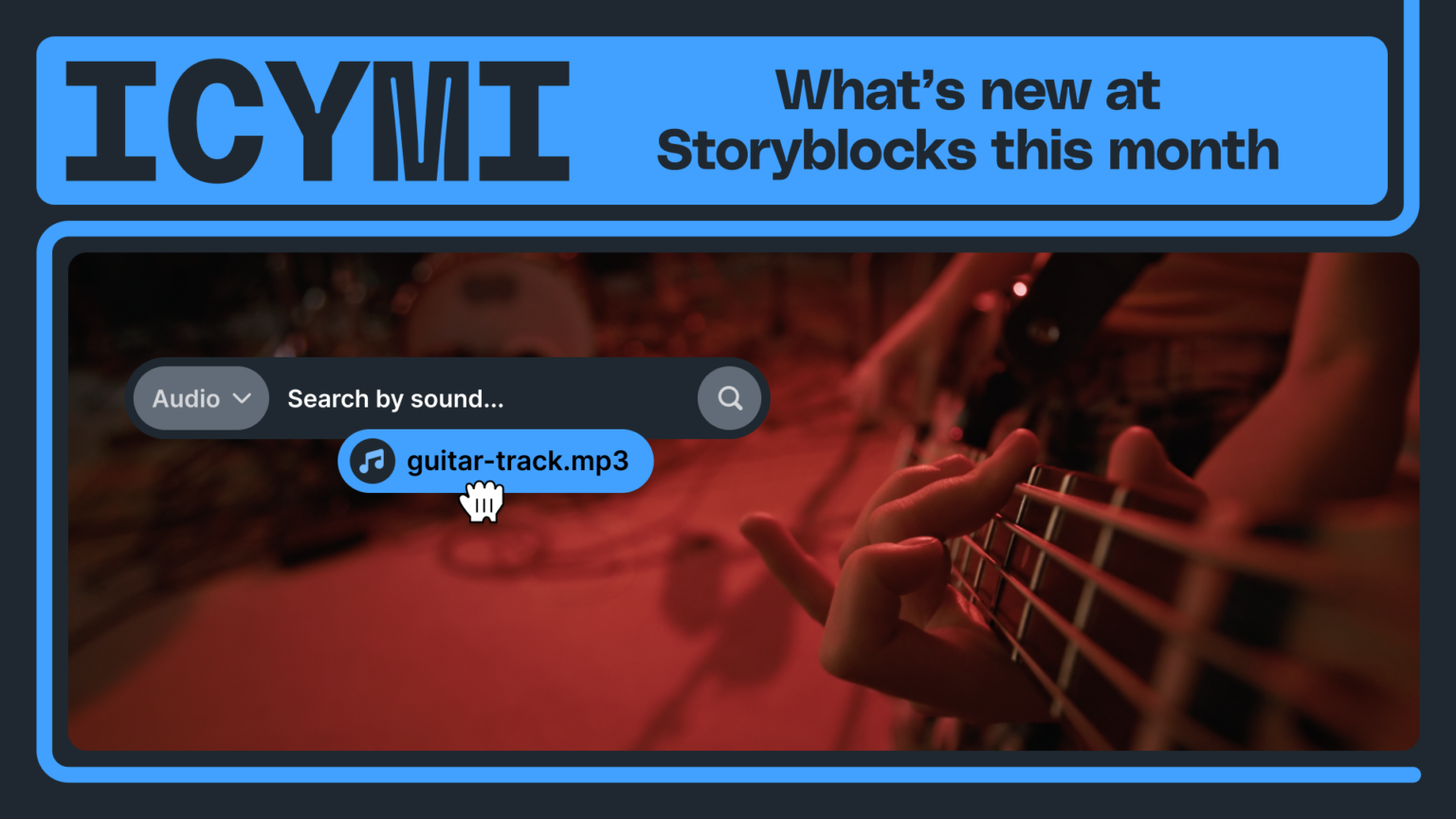
As Storyblocks is continuously looking for ways to help creators find the right content for their project, we’re excited to announce a new feature for our audio library – Search by Sound.
We know that describing audio can be tough. While we offer broad categories for music and sound effects to help you narrow down what you’re looking for, finding audio that matches what you’re looking for can still take time.
Now with Search by Sound, you can go beyond keywords and filters to find relevant audio in less time by using your own audio clip.
What is Search by Sound?
Search by Sound allows you to upload your own audio file that we use to quickly cross-reference all of Storyblocks’ royalty-free stock music and sound effects to deliver you similar-sounding results. This feature is available with searching any kind of audio assets in the Storyblocks library.
With Search by Sound, we’ve made it easier for you to find the right sound faster – without spending time trying to describe it and searching through results. Once you’ve uploaded your file and your search results have populated, you can still use our filters to help you narrow them down even more. The closest matches to your uploaded audio will be shown at the top of your results.
How to use Search by Sound
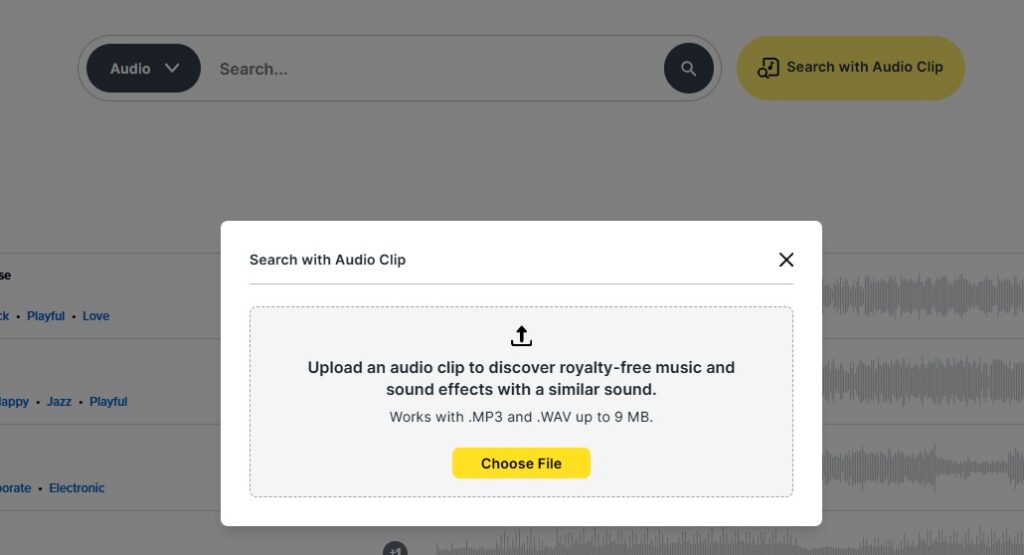
Navigate to the audio search page on Storyblocks and click the yellow Search with Audio Clip button to the right of the search bar. A window will pop up as shown in the image below – click the yellow Choose File button to select your audio file to upload.
After your file uploads, the closest matches to your uploaded file are shown, starting with the most similar sounding results.
Going behind the scenes with the development team
To learn more about how Search by Sound was developed and how to use the feature to get the best results, we spoke with members of the Storyblocks team who brought it to life: Yun-Sung Kang, Principal Data Scientist, and Rachel Abraham, Lead Product Manager.
What was the development process like for building Search by Sound?
Yun-Sun: The development of the Search by Sound feature largely built upon our existing functionality for finding similar sounds. Without that foundation, the process would begin with selecting a machine learning model capable of producing high-quality numerical representations of music, commonly referred to as embeddings. Since all existing music tracks are already stored as embeddings in our index, the task becomes converting the uploaded song into an embedding and then comparing it against the indexed tracks.
What was the most challenging part of building this feature?
Yun-Sun: The most challenging aspect of this project was integrating several different modules while maintaining acceptable latency, ensuring that the feature delivers fast and accurate search results.
What recommendations would you give to help creators get the best results from using the Search by Sound feature?
Rachel: First, make sure you’re uploading .WAV or .MP3 files that are less than 9MB to use with the Search by Sound feature.
Beyond the file specifications of your audio file, keep in mind that songs with a lot of variation (different styles used within the same track) may be harder for the feature to match for recommendations compared to songs that have a more uniform feel and sound. The same goes for sound effects – if there’s a specific noise you’re looking for, clipping your file to just that noise will return more relevant results than
Ambient noise can also impact the quality of results you get, so try and use audio files that are as clear as possible.
If you need to clean up an audio clip, check out our tips for cleaning audio in Premiere Pro.
Could someone record themselves humming/singing a song or imitating a sound effect to find a similar audio file in the Storyblocks library?
Rachel: Although this could work in some instances, we wouldn’t recommend it. Because we look for sound similarity, what users create just through imitation would be hard to accurately replicate through this feature. And if someone is humming or singing a song in their track, the feature may bias towards songs with vocals, even if you’re just trying to re-create an instrumental track.
Are there plans to expand or build on this feature in the future?
Rachel: While we don’t have anything on the roadmap yet, we see opportunities to broaden this feature to make it easier for users to give us a reference sound (like inputting a URL) and improve the UX. As we work on audio search enhancements for the library, there may be cross-over positive downstream effects on the Search by Sound feature, such as audio metadata improvements.